
Attachment Tracking and Email Evidence: A Practical Workflow
Attachments often carry the most important evidence. They are only reliable when they remain linked to the email context that sent them.
Teams regularly save attachments into shared folders and lose the surrounding context that made those files relevant. Later, somebody has to ask who sent it, when it arrived, what it responded to, and whether another version appeared later.
What attachment tracking should preserve
- Originating message and sender.
- Date and position in the timeline.
- Related issue or case grouping.
- Nearby replies and follow-up actions.
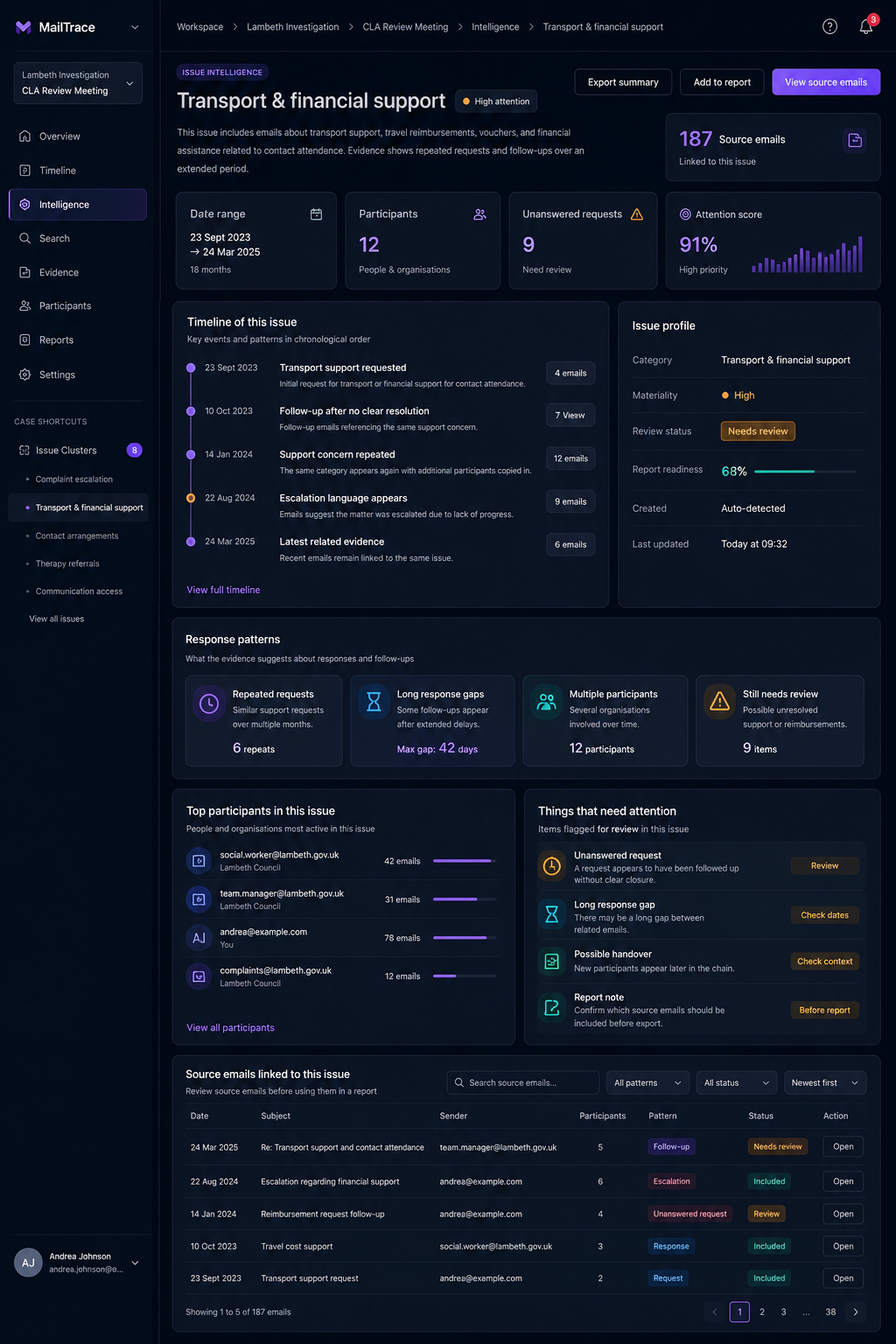
MailTrace keeps attachments inside the wider email review workflow, which means a user can inspect the file without losing the chronology, participant, and issue context.
Why this improves ranking intent and product understanding
People searching for attachment tracking often really want a reliable way to manage supporting evidence. This page helps make that feature intent explicit: MailTrace is not only about messages, but about the full record around them.